
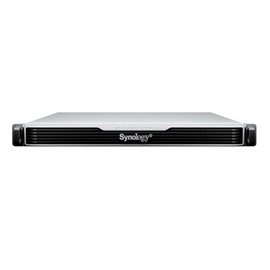
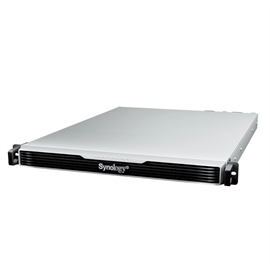
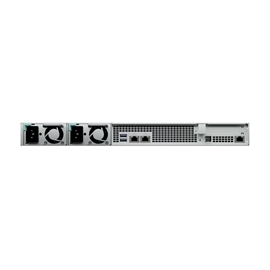
Synology Network Attached Storage RS1626xs+ 4bay Network Attached Storage RackStation Retail
| Status: | Available |
| SKU: | 308763 |
| Vendor: | Synology |
| MPN: | RS1626XS+ |
| UPC: | 846504006083 |
| EAN: | |
|
RackStation RS1626xs+ High-performance scalable storage for enterprise workloads Scalable 4-bay rackmount solution designed for high-performance business needs Fast and reliable Over 84,000 random write IOPS, built-in dual-port 10GbE, and up to 384 TB raw storage after expansion Flexible configuration Add 12 extra drive bays, 10/25GbE ports, and SSD cache volumes whenever needed Versatile business application platform Back up endpoints, manage up to 75 IP cameras, or safely sync and share files across sites Designed for reliability Redundant power Redundant power supplies ensure maximum server uptime by preventing single-point power failures. Failover cluster Maximize service continuity by pairing two identical units into a Synology High Availability cluster, ensuring automated, minute-level failover in the event of hardware failure. Network redundancy and load balancing Built-in 2x 10GbE ports can be bonded with Link Aggregation to enable automatic network failover and load balancing. |
|
| Hardware Specifications CPU CPU Model Intel Xeon D-1726 CPU Quantity 1 CPU Cores 6 CPU Threads 12 CPU Architecture 64-bit CPU Frequency 2.9 (base) / 3.5 (turbo) GHz Hardware Encryption Engine Yes |
Memory System Memory 16 GB DDR4 ECC RDIMM Memory Module Pre-installed 16 GB (16 GB x 1) Total Memory Slots 4 Maximum Memory Capacity 64 GB (16 GB x 4) Notes Synology may revise pre-installed memory module specifications in response to component lifecycle and supply conditions. All revised components undergo the same rigorous validation to ensure equivalent compatibility, stability, and performance. Please select Synology memory modules for optimum compatibility and reliability. Synology will not provide complete product warranty or technical support if non-Synology memory modules are used for memory expansion. For multi-module memory configurations, all modules must be identical and share the same model number. Check the Product Manual of your Synology product for recommended memory configurations. |